AI video model news
Pika H3 Flex: What's New in AI Video Generation?
Table of Contents
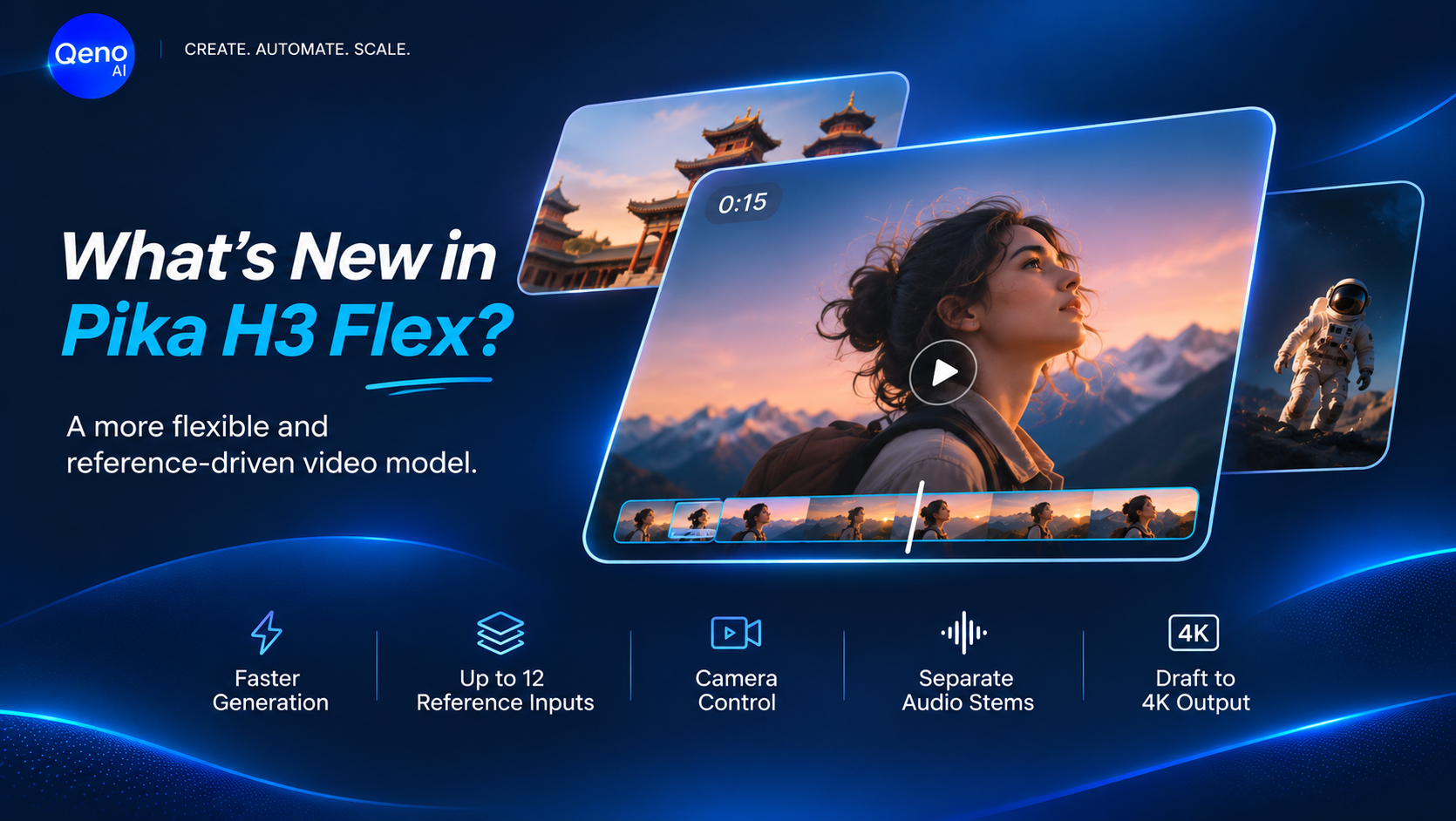
Creating a video with AI is no longer just about typing a prompt and waiting for a result. Creators are now looking for more control over how a scene looks, how the camera moves, what appears in the frame and even how the audio sounds.
Pika's latest release, Pika H3 Flex, takes another step in that direction.
Announced on October 29, 2026, H3 Flex introduces faster video generation, multiple reference inputs, more control over camera movements and additional audio editing capabilities.
Let's take a look at what the model offers and why it is worth exploring.
What Is Pika H3 Flex?
Pika H3 Flex is an AI video generation model developed by Pika, based on MiniMax H3 with additional training and optimisation.
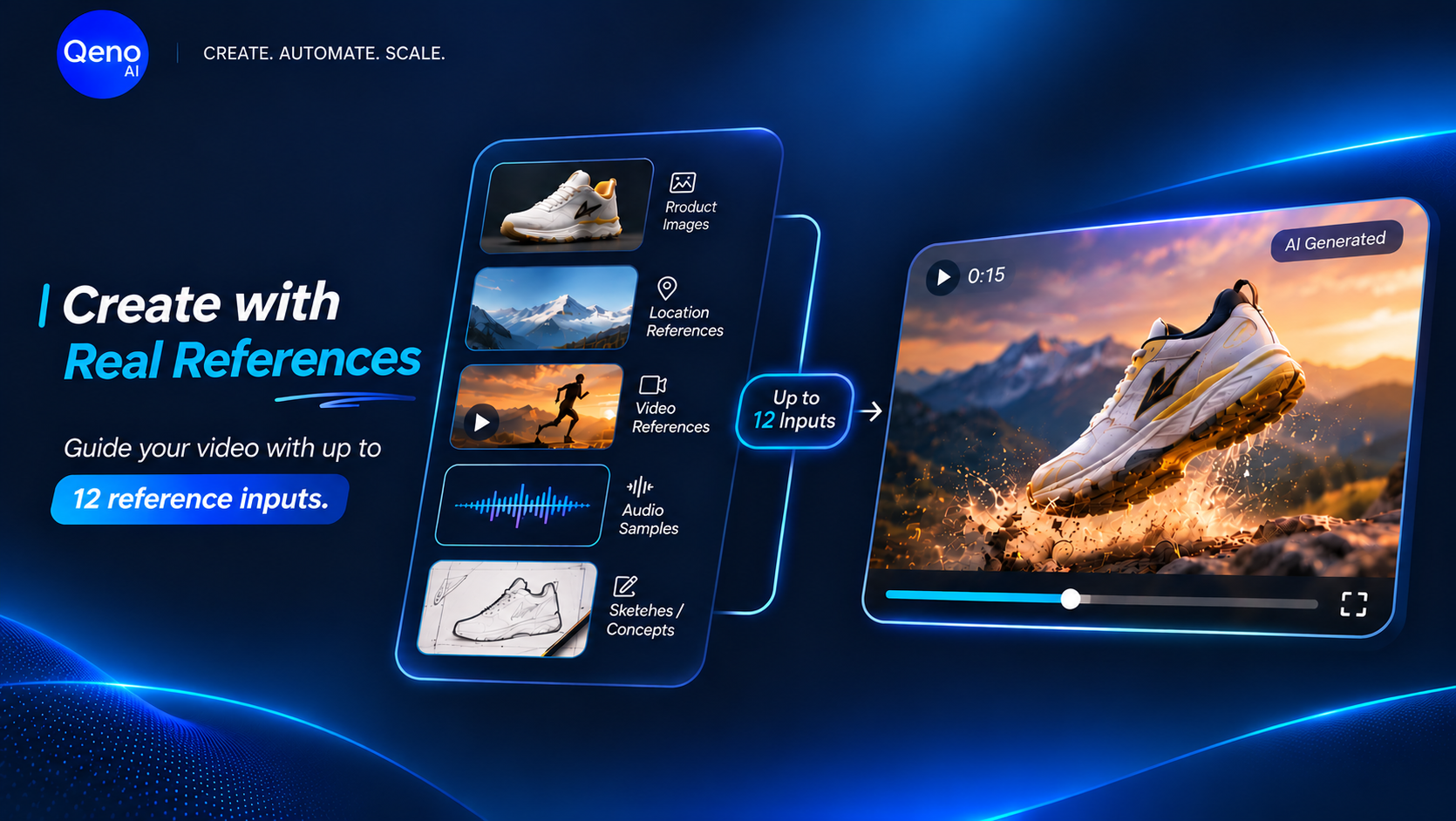
What makes it interesting is the flexibility it offers when creating videos. Instead of relying only on text prompts, users can guide generation with images, video clips, audio and sketches.
For example, imagine creating a promotional video for a sneaker brand. You could provide a product photograph, a reference for the background and a video showing the kind of camera movement you want. This gives the model more context about the result you're trying to achieve.
1. Faster Video Generation
One of the highlights of H3 Flex is its generation speed.
According to Pika, the model can generate a 15-second video with synchronised audio at 768p in as little as seven seconds of transformer computation.
The company achieved this by reducing the generation process from 50 denoising steps to just six.
It's important to understand that seven seconds refers to model computation under benchmark conditions, not necessarily the total time required to receive a finished video.
For creators, faster generation could make experimenting with different scenes, prompts and visual styles much easier.
2. Up to 12 Reference Inputs
Sometimes explaining a visual idea through words isn't enough. You might have a specific product image, a location in mind or a reference clip that captures the exact movement you want.
H3 Flex supports up to 12 reference inputs in a single generation. These can include:
- Product photographs and other images
- Video clips and movement references
- Audio samples
- Sketches and visual references
This can be particularly useful for creators who want more control over the appearance and direction of their videos rather than relying entirely on text prompts.
3. More Control Over Camera Movements
A camera angle can completely change how a video feels.
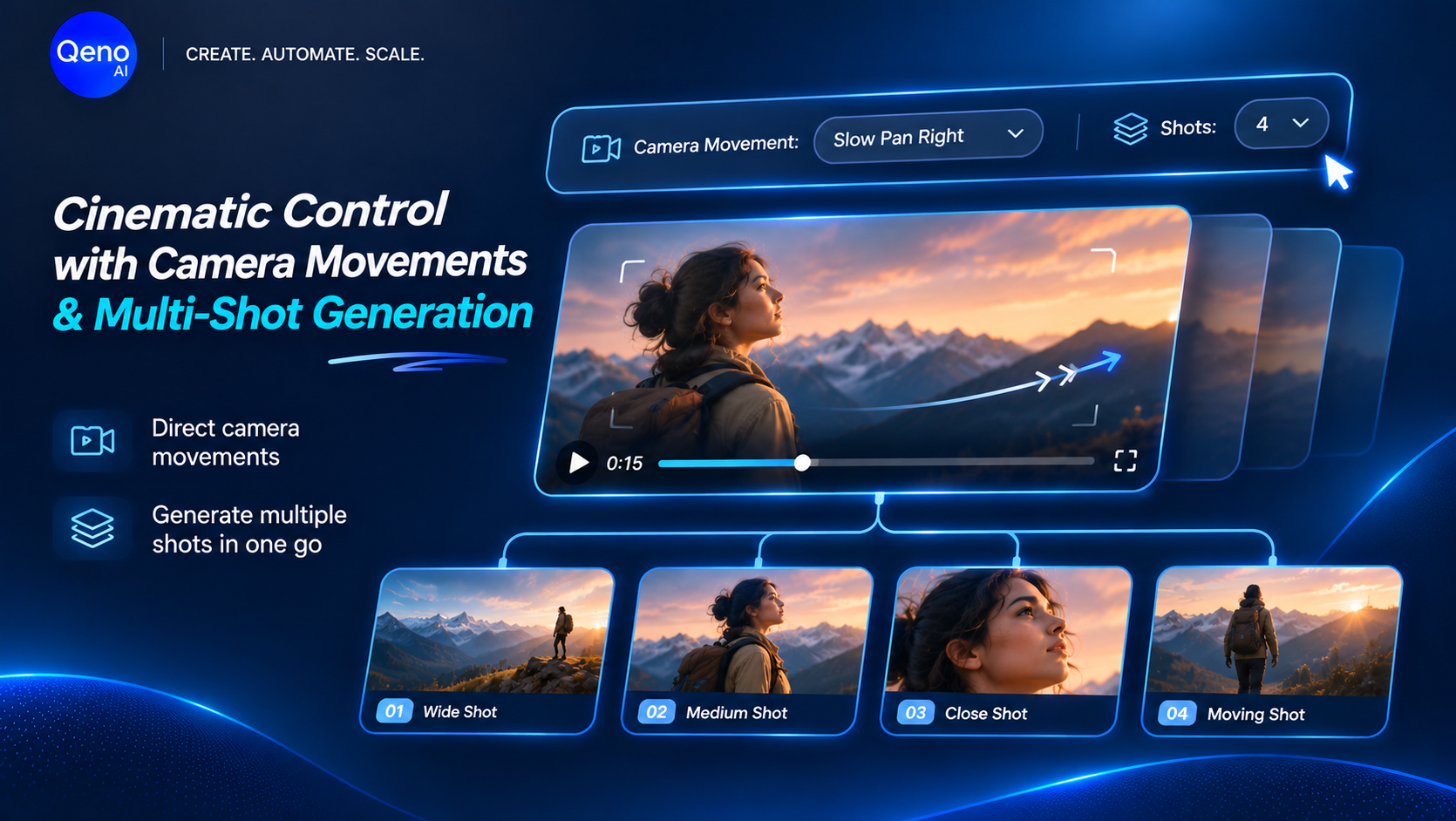
H3 Flex supports different camera movements, including tracking shots, crane movements, dolly shots, whip pans and orbit movements.
It also supports multi-shot generation, allowing creators to describe sequences with different shots, transitions, dialogue and sound.
Another useful capability is reference-guided video editing. Existing footage can be modified with changes such as replacing objects, changing outfits or adjusting the setting, while aiming to preserve the original performance and timing.
This opens up possibilities beyond simply generating a video from scratch.
4. Separate Audio for Better Editing
Audio is often just as important as the visuals. But when music, dialogue and sound effects are combined, making individual adjustments can be difficult.
Through its API, Pika H3 Flex offers separation into five audio stems:
- Dialogue: Spoken words and conversations.
- Score: Background music.
- Sound effects: Sounds added to the scene.
- Foley: Sounds associated with physical actions.
- Ambience: Background environmental sounds.
This gives editors more flexibility when adjusting the soundtrack. For example, they can change the music level without necessarily affecting the dialogue.
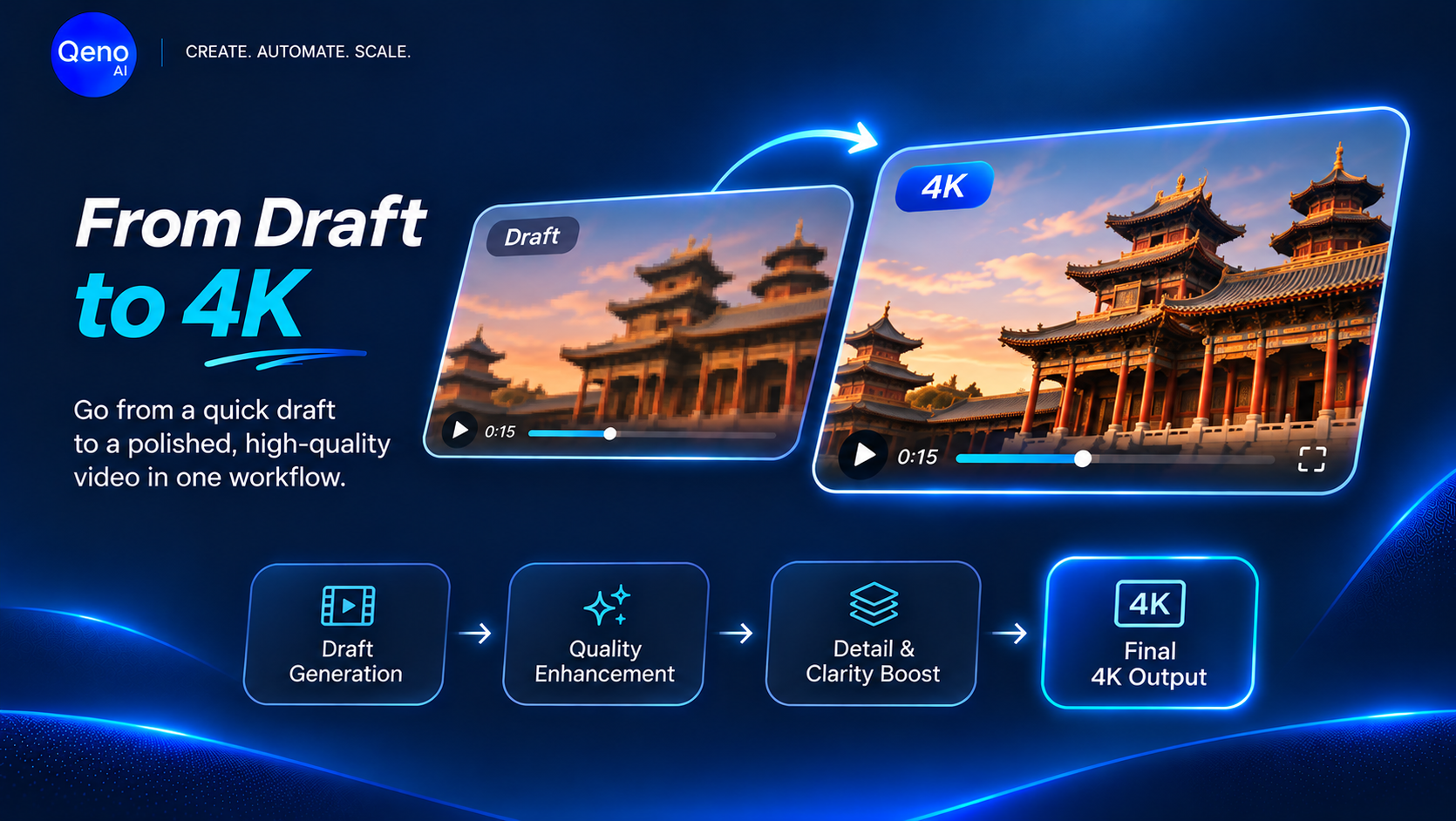
5. From Draft Quality to 4K
Not every video needs to be generated at the highest resolution from the beginning.
H3 Flex supports native generation at 480p and 768p. Selected outputs can then be upscaled to 1080p, 2K or 4K.
This makes it possible to experiment with different versions first and focus on higher-resolution finishing once a suitable result has been selected.
One distinction worth noting: 4K is achieved through upscaling, not native 4K generation.
6. What About Developers?
Pika has also released open weights and inference code through Hugging Face and GitHub, subject to the applicable licence terms.
The release includes text-to-video, first- and last-frame-conditioned generation, and multimodal reference-to-video capabilities.
However, some features, including higher-resolution upscaling and audio-stem separation, remain available through Pika's hosted services rather than the local open-weights release.
Developers and researchers can therefore explore the model, while certain advanced features still depend on Pika's platform.
Why Should Creators and Marketers Pay Attention?
The interesting part of H3 Flex isn't just the number of features. It's the direction AI video tools are taking.
Creators want more than a video that simply looks good. They want control over the product being shown, the camera movement, the scene and the overall story.
For marketers, these developments could make it easier to explore different creative approaches for campaigns. Video editors may also find the audio and editing capabilities useful.
Of course, AI-generated content still needs human review. Visual consistency, product accuracy, sound quality and the final message all matter, especially when creating content for a brand.
The Takeaway
Pika H3 Flex is an interesting release, particularly for people who enjoy experimenting with AI-generated video.
The combination of multiple reference inputs, camera controls, faster generation and separate audio stems makes it worth exploring. Not every feature will matter to every creator, but the range of possibilities is what makes this release interesting.
It will also be worth watching how creators use these capabilities in actual projects, beyond the demonstrations and feature announcements.
If you want to explore the release yourself, you can find more information through Pika's official channels.
Explore Pika H3 Flex: pika.art/pika-h3-flex
Read the official announcement: creation.pika.art/blog/pika-h3-flex